
Stop typing manually. Upload your file and transcribe video to text in minutes.
Drag & Drop Video File Here
or click to browse
Drag and drop your file into the upload box. We support all major formats including MP4, MOV, MP3, and WAV. Whether it’s a quick phone recording or a professional interview, our system is ready to transcribe video to text.
Once uploaded, our processing engine kicks in. It analyzes the audio waves, identifies different speakers, and converts speech into written words. This is where the magic of a video to transcript converter happens.
Review the text in our intuitive editor. Click on any word to jump to that exact moment in the audio. Once you are happy, you can export your file as TXT, SRT, or VTT.
Our model understands context, accents, and technical jargon. The advanced technology does the heavy lifting to transcribe video to text with high fidelity.
A basic video to transcript converter often jumbles everything together. Our tool detects when the speaker changes and labels them . This makes it incredibly easy to transcribe video to text for meetings, podcasts, and interviews.
Most tools chop sentences awkwardly. Our technology understands punctuation and pauses to ensure subtitles break at natural points.
After you transcribe video to text, download as TXT, or industry-standard SRT and VTT files for Premiere Pro or YouTube.
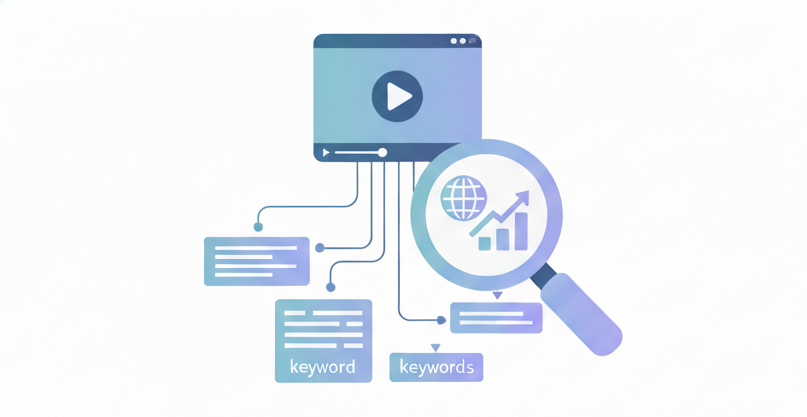
Google can’t watch videos. It reads text. By using a video to text converter to create a transcript, you make your video content searchable. When you transcribe video to text, you give search engines keywords to index, bringing more traffic.
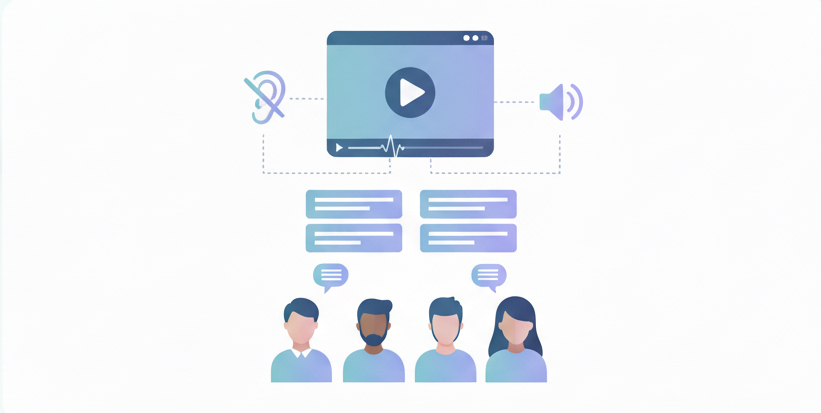
Not everyone consumes content with the sound on. Captions are a necessity, not a luxury. When you transcribe video to text, you make your content inclusive and accessible to a global audience, including the hearing impaired.
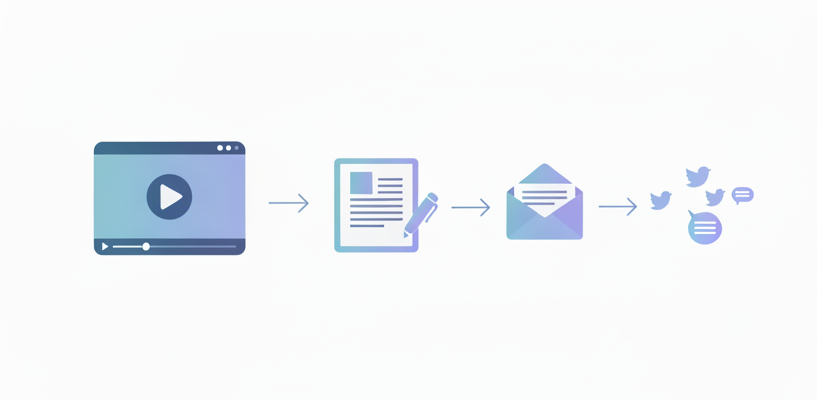
A single video can become a blog post, a newsletter, or five tweets. When you transcribe video to text, you get a raw manuscript that you can edit and reuse. It is the secret weapon of efficient marketing teams.
Recording lectures is great, but finding a specific quote is painful. When you transcribe video to text, you can use 'Ctrl+F' to search your lecture notes instantly.